October update: give your Avatar a topic to bring up
One topic at a time, carried across calls until it's been talked through. Plus timelines for care notes, wishes and memories, and a tidier family page.
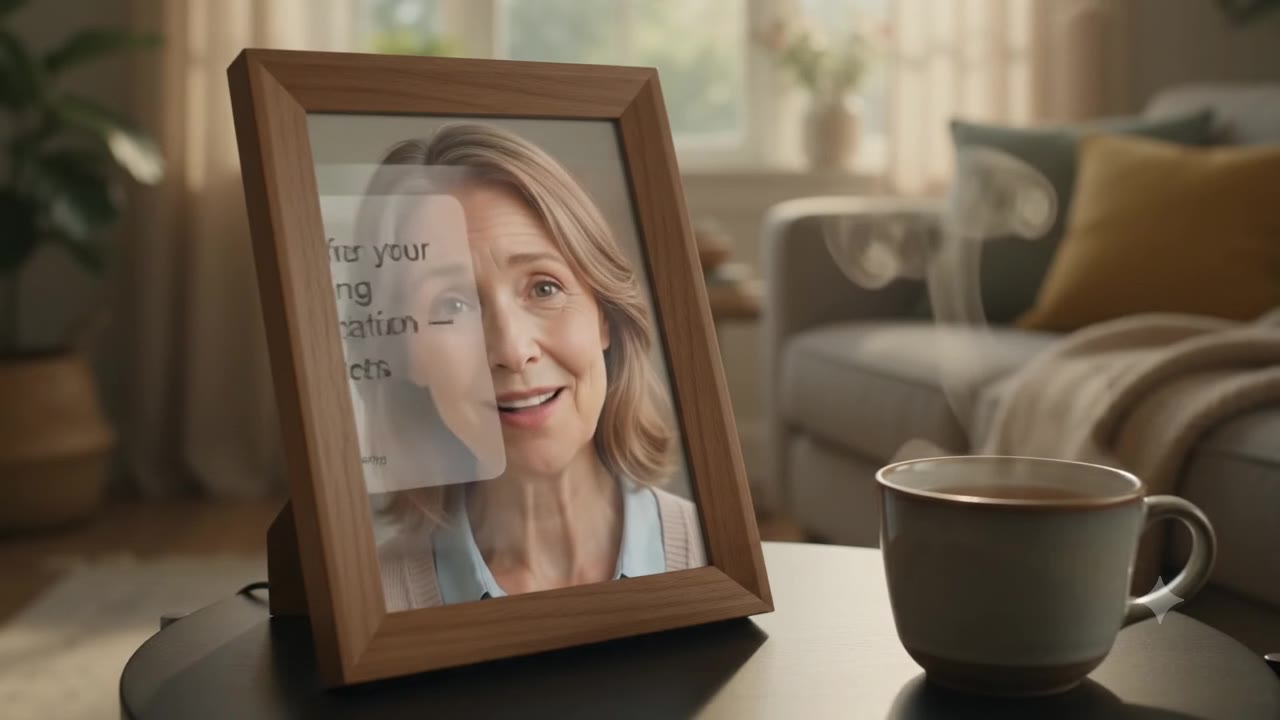
This month's update is about letting the family steer the conversation a little, without scripting it.
"Now talking": one topic at a time
On the Topics page there is now a slot at the top called Now talking. Put a topic there, "ask Mum whether she's booked the eye test", and the next time she talks to your Avatar, it will bring that up after the greeting, follow up a couple of times if she only half answers, and then let it go.
A topic can span more than one call. If it was only partly covered, it stays in the slot with a note of what's still missing, and the Avatar picks up from there next time. Once it's been talked through, or she clearly doesn't want to, it comes off the slot and you get a short note with what she said.
Everything else you write waits in a candidates list underneath. Long-press and drag a topic into the slot, or open it and tap "Set as now talking". Nothing is raised unless you put it there.
Timelines for the things that matter
Care notes, wishes, memories and reminders now sit on a timeline rather than a stack of cards: one line down the left, a marker per day, a dot per item. Care notes use the dot's colour for urgency, so the page reads at a glance. Reminders show the day's schedule in order, with the ones already past faded out.
A tidier family page
Each family member's page has been reorganised into three tabs: what's happening (care notes, wishes, this week's summary), keepsakes (stories, recordings, chat history) and settings. The four things you do most, call, remind, remember, topics, are a row of buttons under the name.
Also in this release
- The conversation summary page groups calls by day, with the time of each call as the title.
- The call screen's top-right menu is shorter. Reporting a reply the Avatar shouldn't have given is now the one item there.
- Choosing which family member you're looking at is a single button that opens a short list, instead of a row that ran off the screen.
The update is live in the app on both iPhone and Android. If something looks off on your phone, tell us at hello@hello-everly.com.